
What Is a Moodboard?
A moodboard is a single visual surface that collects the real materials, colors, textures and finishes of a project so you can judge them together instead of one by one. For interiors, that means the stone, tile, wood, paint and textiles side by side — the palette of the whole room in one glance.
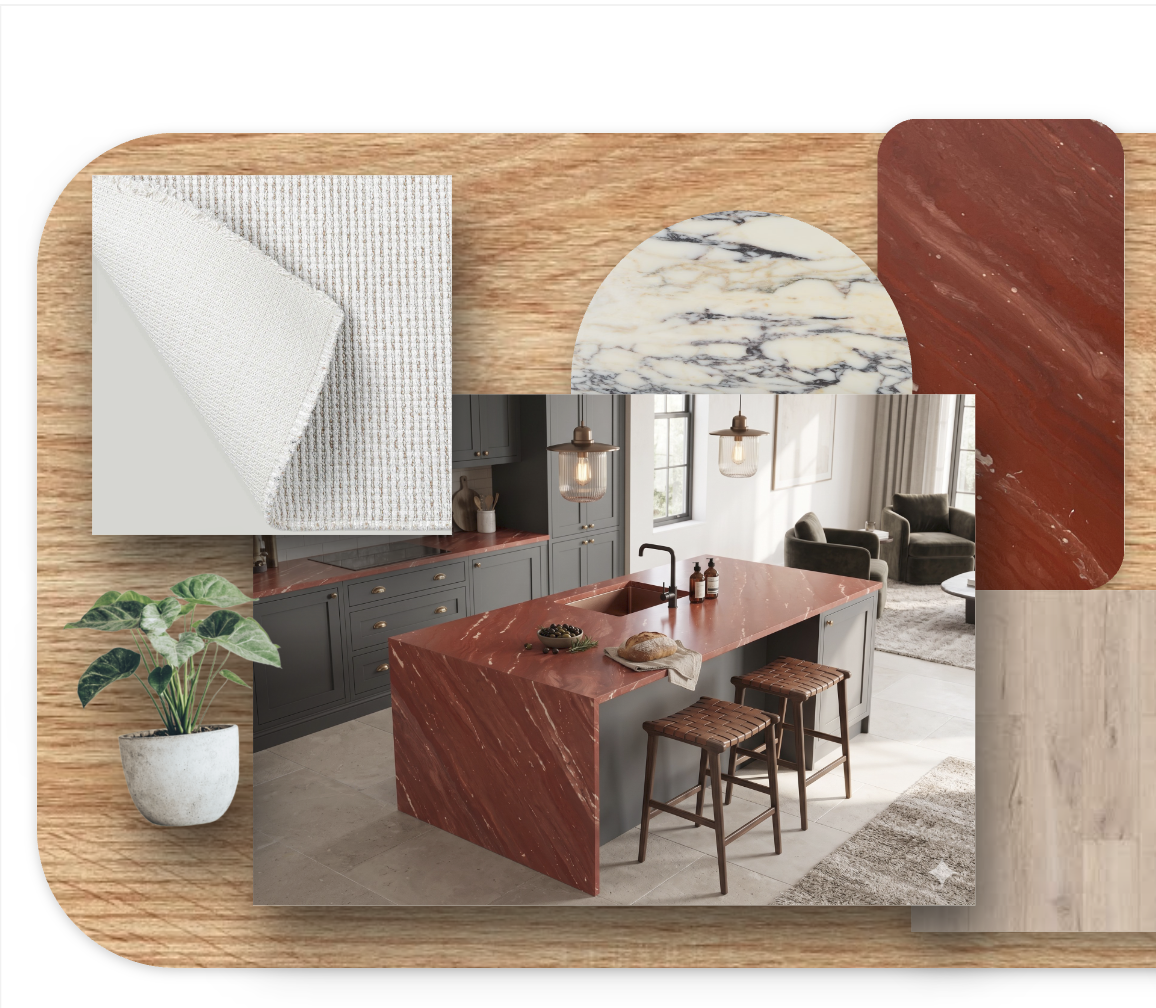
Why Designers Rely on Them
- Catch clashes early — an undertone mismatch is obvious on a board and expensive on a wall.
- Sell the vision — clients approve a feeling faster than a spec list.
- Align the team — architect, contractor and client all reference one image.
- Decide with real samples — actual slabs and swatches beat memory and stock photos.
How to Build One in Minutes
- Start with the hero. Pick the star surface — a marble slab, a porcelain tile or a parquet floor — and build outward.
- Add the supporting cast. Layer a wall or counter, a floor, and one or two textiles from the carpet and fabric catalogs.
- Balance light and dark. Aim for a dominant tone, a secondary, and one accent.
- Check the undertones. Warm with warm, cool with cool — or a deliberate contrast.
- Crop and arrange so the proportions echo the real room.
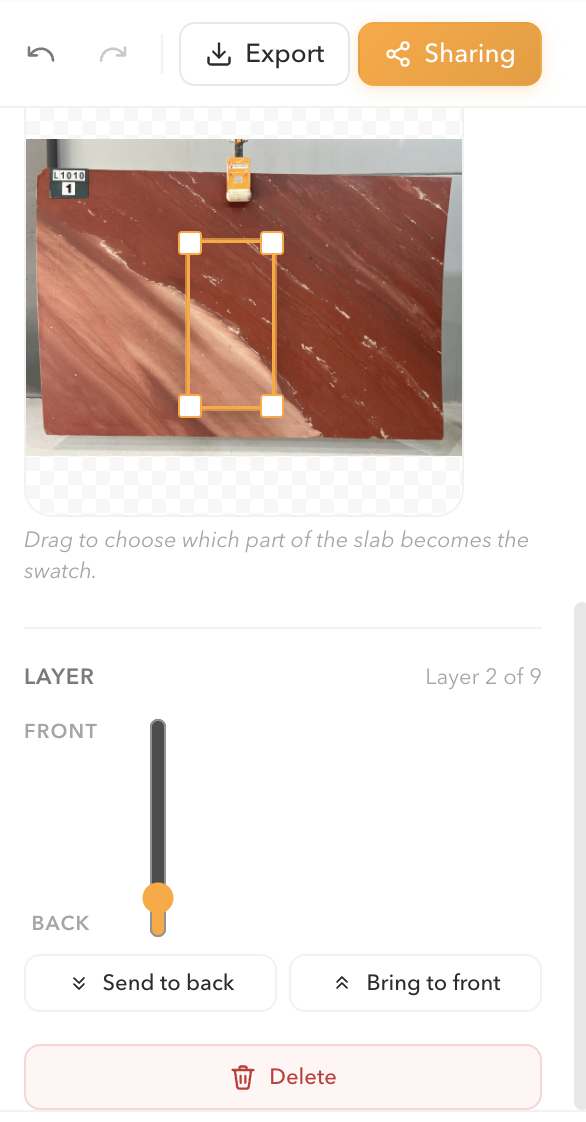
From Board to Order
Because a Numuneler moodboard is built from real catalog items, the palette you approve is the palette you can order. When the board feels right, request the samples in it.
Design a material moodboard on Numuneler →
Frequently Asked Questions
What is the difference between a moodboard and a sample board?
A moodboard communicates the feeling and palette of a space; a sample board is the physical set of real swatches. A digital moodboard built from real products bridges both.
What should a good interior moodboard include?
A hero material, supporting surfaces (floor, wall, counter), one or two textiles, and a clear dominant-secondary-accent color balance.
Do I need design software to make a moodboard?
No. You can drag real slabs, tiles, wood and textiles onto a Numuneler moodboard in minutes — no design software required.